The fastest way to build reliable company lists by industry is to start with a NAICS code, pull the free universe from government sources, then enrich or validate with paid data. Free sources win on cost and coverage of the broad economy; paid sources win on financial depth and validation speed.
Here’s the practical order of operations, roughly fastest to most complete:
- NAICS lookup — find your exact 6-digit code at Census’s NAICS site in under five minutes.
- Census/BLS lists — pull employment, establishment counts, and industry profiles for free.
- SEC EDGAR — grab the full public-company registrant list if your target is publicly traded firms.
- Commercial APIs/databases — layer in company-level detail, contact data, and firmographic filters.
- Bizminer exports — get analysis-ready lists with financial benchmarks, already normalized by NAICS.
Use NAICS and Census/BLS when you need broad, free coverage and don’t mind manual cleanup. Reach for EDGAR when your universe is public companies only. Go paid, or use Bizminer’s industry search tool, when you need validated financials, court-defensible data, or a list ready for benchmarking without weeks of scrubbing.
Key Takeaways
Reliable company lists by industry start with the correct NAICS code, draw from free government sources for coverage, and get validated or benchmarked through paid data for analysis-grade accuracy.
| Point | Details |
|---|---|
| Start with NAICS | Confirm your 6-digit code at Census before pulling any list, and use it as your merge key across sources. |
| Layer your sources | Combine Census, BLS, and EDGAR for free coverage, then fill gaps with commercial APIs. |
| Validate before you use it | Check active status, duplicates, and parent/subsidiary structure; budget about 10% of project time for this. |
| Structure exports for merging | Include NAICS code, CIK or EIN, and a last-verified date on every record. |
| Buy when scrutiny matters | Bizminer offers NAICS-mapped, court-accepted financial benchmarks for lending, valuation, and sector-wide analysis. |
Table of Contents
- Where to Find Authoritative Company Lists by Industry
- How Does the NAICS Classification System Actually Work?
- How Do You Build a Clean Industry Company List From Scratch?
- What Are the Biggest Pitfalls and Costs in Company List Data?
- Where Can You Get Company Financials and Industry Benchmarks?
- When Should You DIY a List Versus Buy One?
- Skip the Manual Cleanup With Analysis-Ready Industry Data
- Sources
Where to Find Authoritative Company Lists by Industry
Every solid industry list traces back to one of a handful of public sources. Knowing what each one actually contains, and what it doesn’t, saves hours of guessing.
Census Bureau: the NAICS system itself
The Census Bureau’s NAICS portal is where the codes live. It’s not a company list. It’s the classification key that every other list should be built around. The site includes a searchable lookup, the full 2022 NAICS manual, and crosswalk tools between NAICS revisions and the older SIC system. If you’re assembling a list from multiple sources, this is where you get the canonical code that ties them together.
BLS Industries at a Glance
The Bureau of Labor Statistics runs a companion resource that’s more descriptive than transactional. BLS Industries at a Glance gives you an alphabetical index of industries, each linking to a short profile with employment figures, establishment counts, and wage data. It won’t hand you a spreadsheet of company names, but it’s the fastest way to confirm you’ve got the right slice of the economy before you start pulling records.

SEC EDGAR for public companies
If your research question involves publicly traded firms, SEC’s company list resources and the EDGAR filing system are non-negotiable. EDGAR lets you search registrants by name, ticker, or SIC code, and every filer has a CIK (Central Index Key) that functions like a permanent ID. This matters because company names change, merge, or get acquired, but the CIK doesn’t move.
Library and market-research portals
University library systems often license market-research databases that most people never think to check. Guides like the University of Arizona’s industry research LibGuide and UNC’s NAICS tutorial walk through how to use commercial databases layered on top of NAICS codes, often with access included through a public library card or alumni login. These portals bridge the gap between raw government data and full industry reports, without a subscription fee.
Here’s how the major sources stack up against each other:
| Source | What you get | Export format | Typical cost |
|---|---|---|---|
| Census NAICS | Official codes, hierarchy, crosswalks | Web lookup, PDF manual | Free |
| BLS Industries at a Glance | Industry profiles, employment data | Web tables, some CSV | Free |
| SEC EDGAR | Public company registrants, filings | Search interface, bulk data files | Free |
| Library market-research databases | Curated industry reports | PDF, some CSV | Free with library access |
| Bizminer | Financial benchmarks, validated company profiles | CSV, API, custom report | Paid, tiered by report |
Pro Tip: Treat the NAICS code as your primary key from day one. When you pull data from Census, BLS, EDGAR, and a paid vendor, matching on company name alone will fail constantly because of abbreviations and legal-suffix differences. Matching on NAICS code, and CIK where available, keeps your merges clean.
How Does the NAICS Classification System Actually Work?
NAICS organizes the American economy into 20 broad sectors, then drills down through subsectors, industry groups, and industries to a final 6-digit code that identifies a specific type of business activity. The Bureau of Labor Statistics describes this as a production-oriented system, meaning it groups businesses that produce similar goods or services using similar processes, rather than grouping them by what they sell.
That distinction matters more than it sounds. The system NAICS replaced, SIC, often lumped a wholesaler and a retailer of the same product into the same bucket because they moved the same goods. NAICS separates them because they operate differently: different cost structures, different labor needs, different risk profiles. If you’re building a list for financial benchmarking, that separation is the whole point.
The code structure breaks down like this:
- 2-digit sector — the broadest grouping (example: 52 = Finance and Insurance).
- 3-digit subsector — a narrower slice within the sector.
- 4-digit industry group — tighter still.
- 5-digit NAICS industry — country-specific detail within North America.
- 6-digit national industry — the most granular level, used specifically for U.S. data.
NAICS was built jointly by the United States, Canada, and Mexico starting in the 1990s and gets revised on a five-year cycle to keep pace with a changing economy. That’s worth knowing because a company classified one way in the 2017 revision might sit under a different code in 2022. If you’re merging historical data with a current list, check which revision each source used.
When you’re actually searching, two habits save time. First, search by keyword before you commit to a code. Typing “software publishers” into the Census lookup gets you to 511210 faster than guessing at sector 51 and drilling down manually. Second, when a keyword search returns too many results, add an asterisk to broaden your net, or narrow to a specific 6-digit code if you’re getting noise from adjacent industries. Look up two or three sample companies you already know belong in your target industry and check what code they’re filed under. If a well-known company in your space is classified somewhere unexpected, that’s a signal your assumed code might be wrong.
Pro Tip: Use 6-digit codes when you’re building a tight prospect list for outreach or a specific competitive set. Switch to 3- or 4-digit “supersectors” when you’re doing broader benchmarking work, like comparing a company against an entire subsector’s average margins, where a narrower code would give you too small a sample to be statistically meaningful.
How Do You Build a Clean Industry Company List From Scratch?
Building a usable list is a five-step process, and skipping steps is exactly how researchers end up with spreadsheets full of duplicate entries and dead companies.
- Identify your NAICS code (or codes). Use the Census lookup tool, confirm it against a couple of known companies in the space, and note whether you need one 6-digit code or a cluster of related codes.
- Pull the canonical universe. Start with free sources. For public companies, EDGAR gives you registrants directly. For broader coverage, BLS and Census data give you the shape of the industry, even if they don’t hand you a names-and-addresses list.
- Query commercial datasets or APIs for completeness. Government sources rarely include every private company. This is where API-based business databases and vendor platforms fill in gaps, letting you filter by size, geography, or revenue band.
- Export and load into a working file. Pull everything into CSV or JSON with consistent field names before you start manual review; trying to clean data across three open browser tabs and a spreadsheet is where errors creep in.
- Validate before you use it. This is the step people skip, and it’s the one that determines whether your list is trustworthy.
Validation itself breaks into a short checklist:
- Confirm active status — a shocking number of “leads” in scraped lists belong to companies that dissolved years ago.
- Check for duplicate entries under slightly different name formats (“Acme Inc.” vs. “Acme, Incorporated”).
- Separate parent companies from subsidiaries so you’re not double-counting the same enterprise under two names.
- Normalize legal name formatting (strip or standardize suffixes like LLC, Inc., Corp.).
- Cross-check NAICS classification against actual business activity, especially for companies that shifted business lines after their original registration.
- If merging older data, run a NAICS-to-SIC crosswalk so historical records line up with current classifications.
A basic query template looks like this: keyword + NAICS code + geography filter + size filter. For example, searching “commercial bakery” combined with NAICS 311812, restricted to a specific state, and filtered to employee counts above 20, narrows a national database down to a manageable, targeted list in one pass. Most commercial APIs and even EDGAR’s full-text search support this kind of layered filtering, though the exact syntax varies by platform.
When you export, structure the file so it’s mergeable later. Include the NAICS code on every row, not just a general industry label. Include EIN where you have it, and CIK for any public companies, since those are the two most reliable unique identifiers in American business data. A list without a stable ID column is a list you’ll be re-cleaning six months from now.

What Are the Biggest Pitfalls and Costs in Company List Data?
Stale records are the most common failure point. Companies close, relocate, or get acquired constantly, and a list pulled even a year ago can carry a meaningful percentage of dead entries. Name variants cause the second-most damage: the same company appearing three different ways across three sources, silently inflating your count and skewing any analysis built on it. Misclassified NAICS codes round out the top three, usually from companies that registered under one code years ago and then pivoted their actual business.
Costs and timelines scale with how much validation you’re willing to pay for:
- Free government exports — instant, but you do all the cleanup yourself.
- Basic paid APIs — typically a few days turnaround, low to moderate cost, decent for filling gaps in coverage.
- Curated, validated commercial lists or custom exports — can take a few weeks, higher cost, but arrive largely analysis-ready.
Licensing matters more than most researchers expect. Government data is generally free to reuse, but once a vendor bundles government data with proprietary enrichment, usage restrictions often apply, especially around redistribution or resale. Read the terms before you build a client deliverable on top of a dataset you don’t have rights to share.
And set a refresh cadence that matches your use case: monthly refreshes for active prospecting lists, quarterly for benchmarking work where slower-moving averages matter more than real-time accuracy.
Where Can You Get Company Financials and Industry Benchmarks?
For public companies, SEC EDGAR is the direct line to real financials: 10-Ks, 10-Qs, and proxy statements, all mapped to a CIK you can tie back to your company list. That covers a meaningful slice of the economy, but the overwhelming majority of American businesses are privately held, and private companies don’t file with the SEC.
That’s where industry-level benchmarking data fills the gap. Instead of one company’s financials, you get aggregated ratios across an entire NAICS peer group: revenue ranges, cost of goods sold, operating income, profit margins, and payroll as a percentage of revenue. Bizminer’s industry search tool organizes exactly this kind of data across more than 9,000 individual markets, letting you pull a benchmark for a specific 6-digit NAICS code rather than a vague sector average.
The use cases split a few common ways, including underwriting a loan by comparing an applicant’s financials against typical ratios for their industry.
- Benchmarking a target company against its 6-digit peer group before an acquisition or valuation.
- Underwriting a loan by comparing an applicant’s financials against typical ratios for their industry.
- Building sector-level dashboards that track trends across dozens of NAICS codes at once for strategy or academic work.
Bizminer’s data has been accepted in U.S. Tax Court and is used by government agencies, which matters if your output needs to hold up under scrutiny rather than just look good in a slide deck. Sector pages like Finance & Insurance and Information show the level of granularity available before you commit to a purchase.
How should you structure exports and which fields matter?
An analysis-ready export needs consistent fields, or it becomes a merging headache the moment you try to combine it with a second source. A workable minimum schema includes: company_name, legal_name, NAICS_code, NAICS_description, CIK or EIN (where available), headquarters_city, headquarters_state, revenue, employee_count, status, parent_company, source, last_verified_date, and source_id.
Write a short data dictionary alongside the file. Define what “revenue” means (annual, trailing twelve months, most recent fiscal year), specify date formats as ISO (YYYY-MM-DD) to avoid regional ambiguity, and note which field is your canonical merge key. For unique identifiers, CIK works for public companies, EIN works when a source provides it, and for everything else, a normalized combination of legal name plus headquarters city and state is the practical fallback. Skipping this step is the single most common reason two “clean” datasets refuse to merge without hours of manual reconciliation.
When Should You DIY a List Versus Buy One?
Building your own list makes sense when the scope is narrow, the budget is thin, or the research question tolerates some manual verification. A grad student mapping local bakeries in one metro area, or a solo consultant scoping ten competitors before a pitch, doesn’t need a paid platform. Census, BLS, and a few hours of cleanup will get the job done.
Buying makes sense the moment your work needs to hold up to someone else’s scrutiny: a lender assessing risk, a court reviewing valuation evidence, or an analyst benchmarking hundreds of companies across dozens of NAICS codes on a deadline. DIY pipelines can get you a list of names. They rarely get you validated, court-ready financial detail without weeks of manual cross-checking that a paid platform has already done.
If your project sits in that second category, Bizminer’s analysis-ready reports are worth the line item. The rationale is simple: you’re not paying for company names, you’re paying for the validation and benchmarking work you’d otherwise have to do yourself.
Skip the Manual Cleanup With Analysis-Ready Industry Data
Bizminer gets you from “I need a company list by industry” to a benchmarked, exportable report in a fraction of the time a DIY pipeline takes, because the validation, NAICS mapping, and financial detail are already built into every export.
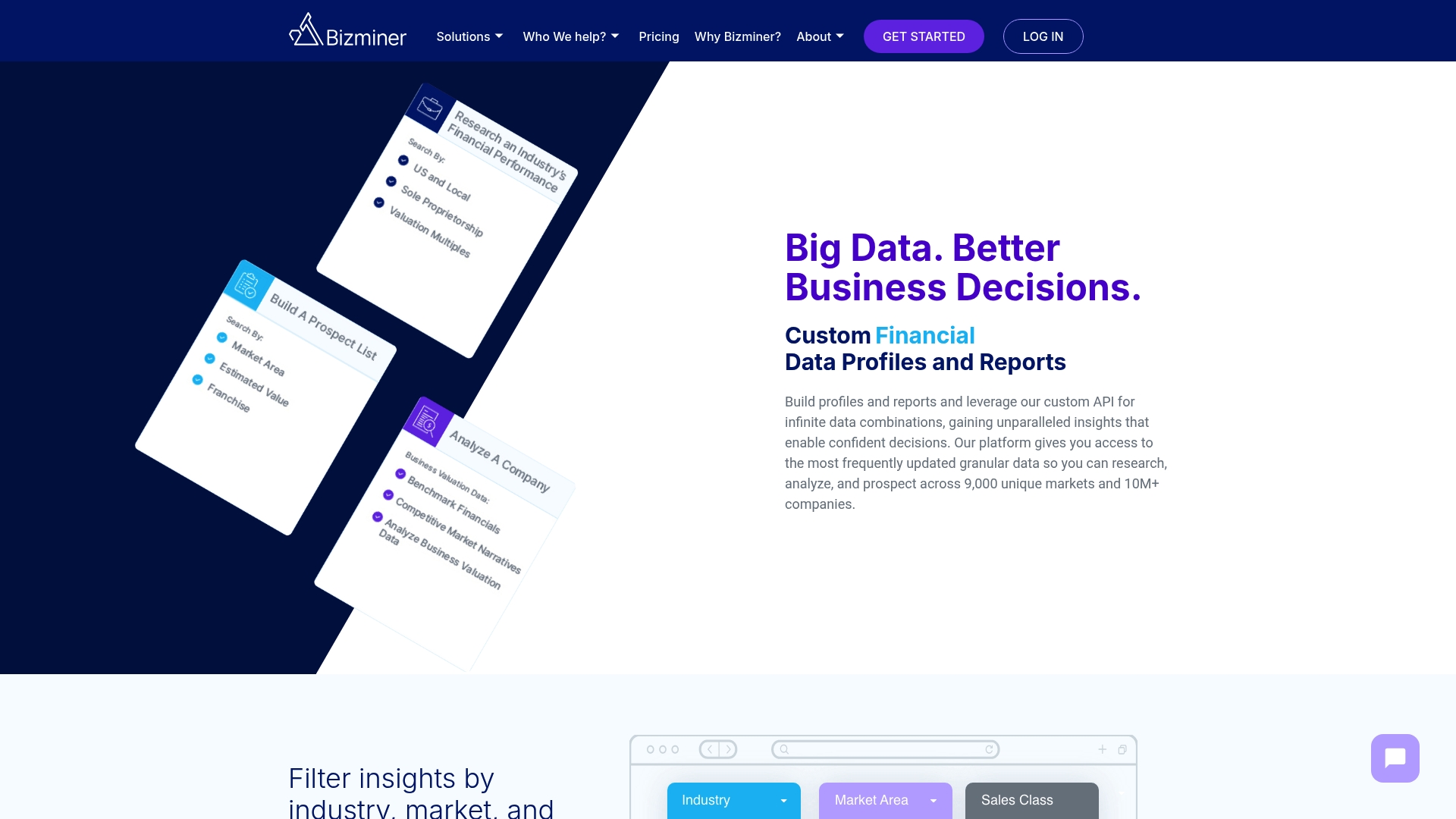
Every report is organized around the same NAICS structure covered above, so a list pulled from Bizminer merges cleanly with anything you’ve already sourced from Census or EDGAR. Instead of stitching together government data, commercial APIs, and hours of manual deduplication, you get financial ratios, revenue benchmarks, and company profiles for a specific 6-digit industry in one export. That data has stood up in U.S. Tax Court, which tells you something about the level of scrutiny it’s built to survive.
If you’re evaluating a target company, underwriting a loan, or building a benchmarking dashboard across multiple sectors, start with the Market & Industry Research tool to see coverage for your specific NAICS codes, or request a custom report if your project needs a tailored data pull.
Sources
Jump straight to the primary tools referenced throughout this guide for hands-on lookups and downloads.
- North American Industry Classification System – NAICS
- Industries in Alphabetical Order
- List of Companies (SEC)